Tax Forms
Tax Forms
EnterFlow AI
•
Jan 11, 2026
Tax Forms
Tax forms are structured on paper, but messy in the real world: different jurisdictions, constantly changing templates, handwritten fields, stamps, and supporting attachments. Accuracy matters—especially for identifiers, dates, totals, and signatures—so “basic OCR” is rarely enough.
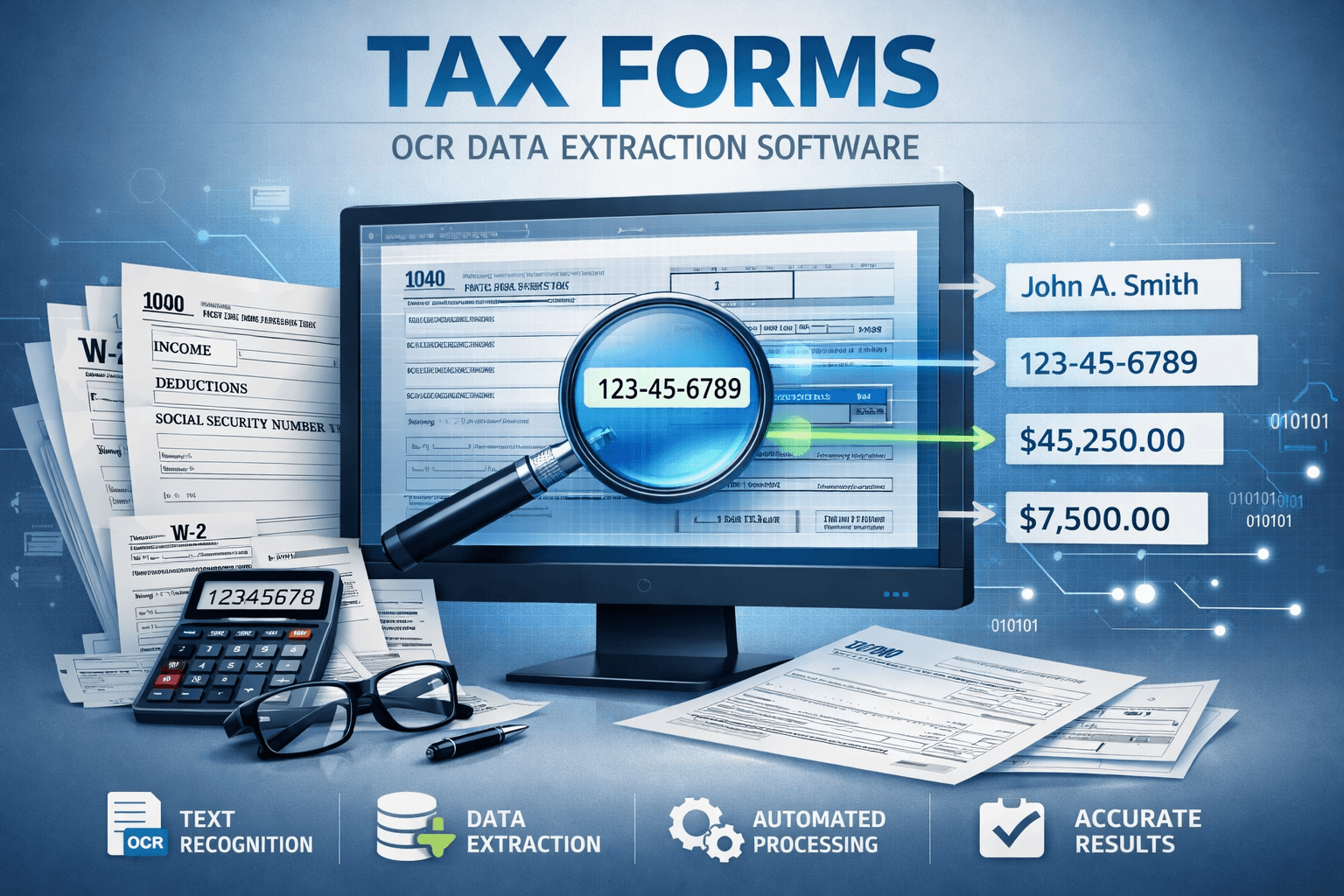
Enterflow applies AI OCR and document workflows to tax forms to extract structured data, validate it against tax-specific rules, and route exceptions safely for human review.
Tax document types we commonly support
Depending on your country and workflow, tax-related inputs often include:
VAT/GST returns and summaries
withholding tax forms and statements
corporate tax schedules and supporting disclosures
payroll tax filings and employer declarations
tax registration certificates and tax IDs
cross-border forms and declarations (varies by jurisdiction)
supporting evidence packets (invoices, receipts, bank confirmations)
We design the solution around your specific jurisdictions and form sets.
What we typically extract (structured output)
Identity and reference data (high-criticality)
taxpayer / entity name
tax identification numbers (VAT ID, EIN, local tax IDs)
registration numbers and filing references
addresses and jurisdiction indicators
Filing period and dates
period start/end, filing date
payment due dates (where applicable)
amendment/adjustment indicators
Financial fields and tables
taxable base amounts, tax rates, tax due
credits, exemptions, deductions (where present)
totals and sub-totals by category
multi-rate VAT/GST breakdowns
line-by-line schedule entries (when applicable)
Signatures and declarations (when relevant)
signature presence (and date)
stamped/approved indicators on scanned forms
declarative checkboxes and confirmation fields
Why it matters: Tax workflows are sensitive to small errors. We prioritize precision on identifiers and totals, and we surface ambiguity instead of guessing.
Our approach: extraction plus tax-grade validation
In our experience, tax automation succeeds when the workflow is designed to be auditable and conservative.
1) Form-aware layout understanding
Detect form type and version (where possible)
Identify fields reliably even when scans are skewed or low quality
Handle multi-page filings and attachments
2) Normalization across jurisdictions and formats
parse dates and numbers with locale-aware handling (decimal separators, currency symbols)
standardize IDs (length/format checks)
map equivalent fields across versions into a consistent schema
3) Validation and exception logic
We implement checks such as:
cross-field reconciliation (subtotals sum to totals)
tax rate consistency checks and allowable rate sets
required field completeness (IDs, period, signature, references)
tolerance rules for rounding
mismatch detection between declared amounts and supporting evidence (optional, if documents are provided)
Outputs are routed into pass / fail / review with explicit reason codes.
Common edge cases we design for
Tax forms frequently include:
evolving templates and version drift
handwritten corrections, stamps, and annotations
checkboxes that materially change meaning
attachments that resemble forms but are not the filing itself
split fields across pages (e.g., schedules and addenda)
low-quality scans from printers and mobile photos
We treat these as first-class cases, and we use review thresholds when confidence is low.
Outputs you can use immediately
We provide structured outputs suitable for downstream processing:
normalized JSON mapped to your internal schema
optional CSV exports for schedules/tables
validation results and exception reason codes
optional traceability references (page/region) for audit support
Key data we track (so performance is measurable)
For tax workflows, we typically track:
field-level accuracy for critical identifiers and totals
validation pass rate vs review rate
missing-field rate (and which fields cause most rework)
processing time per filing
cost per filing vs manual processing
audit readiness indicators (traceability completeness, document indexing quality)
Typical applications (where this fits)
tax operations teams handling inbound filings and supporting documents
accounting firms processing client-submitted forms at scale
enterprise shared services teams standardizing multi-country submissions
compliance workflows that require evidence packaging and audit trails
Security and private deployments
Tax documents often contain sensitive PII and financial data. We support:
private cloud deployments (AWS, Azure, or GCP)
private networking, encryption, IAM/RBAC, audit logs
configurable retention and deletion policies
Ready to automate tax form processing safely?
If you share a representative sample set, we can map:
which fields can be extracted reliably,
what validation rules should be enforced,
where human review should be required,
and a pilot-to-production rollout plan.
Contact: info@enterflow.ai
Website: https://enterflow.ai/
Tax Forms
Tax forms are structured on paper, but messy in the real world: different jurisdictions, constantly changing templates, handwritten fields, stamps, and supporting attachments. Accuracy matters—especially for identifiers, dates, totals, and signatures—so “basic OCR” is rarely enough.
Enterflow applies AI OCR and document workflows to tax forms to extract structured data, validate it against tax-specific rules, and route exceptions safely for human review.
Tax document types we commonly support
Depending on your country and workflow, tax-related inputs often include:
VAT/GST returns and summaries
withholding tax forms and statements
corporate tax schedules and supporting disclosures
payroll tax filings and employer declarations
tax registration certificates and tax IDs
cross-border forms and declarations (varies by jurisdiction)
supporting evidence packets (invoices, receipts, bank confirmations)
We design the solution around your specific jurisdictions and form sets.
What we typically extract (structured output)
Identity and reference data (high-criticality)
taxpayer / entity name
tax identification numbers (VAT ID, EIN, local tax IDs)
registration numbers and filing references
addresses and jurisdiction indicators
Filing period and dates
period start/end, filing date
payment due dates (where applicable)
amendment/adjustment indicators
Financial fields and tables
taxable base amounts, tax rates, tax due
credits, exemptions, deductions (where present)
totals and sub-totals by category
multi-rate VAT/GST breakdowns
line-by-line schedule entries (when applicable)
Signatures and declarations (when relevant)
signature presence (and date)
stamped/approved indicators on scanned forms
declarative checkboxes and confirmation fields
Why it matters: Tax workflows are sensitive to small errors. We prioritize precision on identifiers and totals, and we surface ambiguity instead of guessing.
Our approach: extraction plus tax-grade validation
In our experience, tax automation succeeds when the workflow is designed to be auditable and conservative.
1) Form-aware layout understanding
Detect form type and version (where possible)
Identify fields reliably even when scans are skewed or low quality
Handle multi-page filings and attachments
2) Normalization across jurisdictions and formats
parse dates and numbers with locale-aware handling (decimal separators, currency symbols)
standardize IDs (length/format checks)
map equivalent fields across versions into a consistent schema
3) Validation and exception logic
We implement checks such as:
cross-field reconciliation (subtotals sum to totals)
tax rate consistency checks and allowable rate sets
required field completeness (IDs, period, signature, references)
tolerance rules for rounding
mismatch detection between declared amounts and supporting evidence (optional, if documents are provided)
Outputs are routed into pass / fail / review with explicit reason codes.
Common edge cases we design for
Tax forms frequently include:
evolving templates and version drift
handwritten corrections, stamps, and annotations
checkboxes that materially change meaning
attachments that resemble forms but are not the filing itself
split fields across pages (e.g., schedules and addenda)
low-quality scans from printers and mobile photos
We treat these as first-class cases, and we use review thresholds when confidence is low.
Outputs you can use immediately
We provide structured outputs suitable for downstream processing:
normalized JSON mapped to your internal schema
optional CSV exports for schedules/tables
validation results and exception reason codes
optional traceability references (page/region) for audit support
Key data we track (so performance is measurable)
For tax workflows, we typically track:
field-level accuracy for critical identifiers and totals
validation pass rate vs review rate
missing-field rate (and which fields cause most rework)
processing time per filing
cost per filing vs manual processing
audit readiness indicators (traceability completeness, document indexing quality)
Typical applications (where this fits)
tax operations teams handling inbound filings and supporting documents
accounting firms processing client-submitted forms at scale
enterprise shared services teams standardizing multi-country submissions
compliance workflows that require evidence packaging and audit trails
Security and private deployments
Tax documents often contain sensitive PII and financial data. We support:
private cloud deployments (AWS, Azure, or GCP)
private networking, encryption, IAM/RBAC, audit logs
configurable retention and deletion policies
Ready to automate tax form processing safely?
If you share a representative sample set, we can map:
which fields can be extracted reliably,
what validation rules should be enforced,
where human review should be required,
and a pilot-to-production rollout plan.
Contact: info@enterflow.ai
Website: https://enterflow.ai/
Contact us
info@enterflow.ai
EnterFlow AI empowers you to unlock your business potential with AI OCR models
Vienna, Austria
Contact us
info@enterflow.ai
EnterFlow AI empowers you to unlock your business potential with AI OCR models
Vienna, Austria
Contact us
info@enterflow.ai
EnterFlow AI empowers you to unlock your business potential with AI OCR models
Vienna, Austria