Any Document Type
Any Document Type

EnterFlow AI
•
Jan 4, 2026
Any Other Document Type
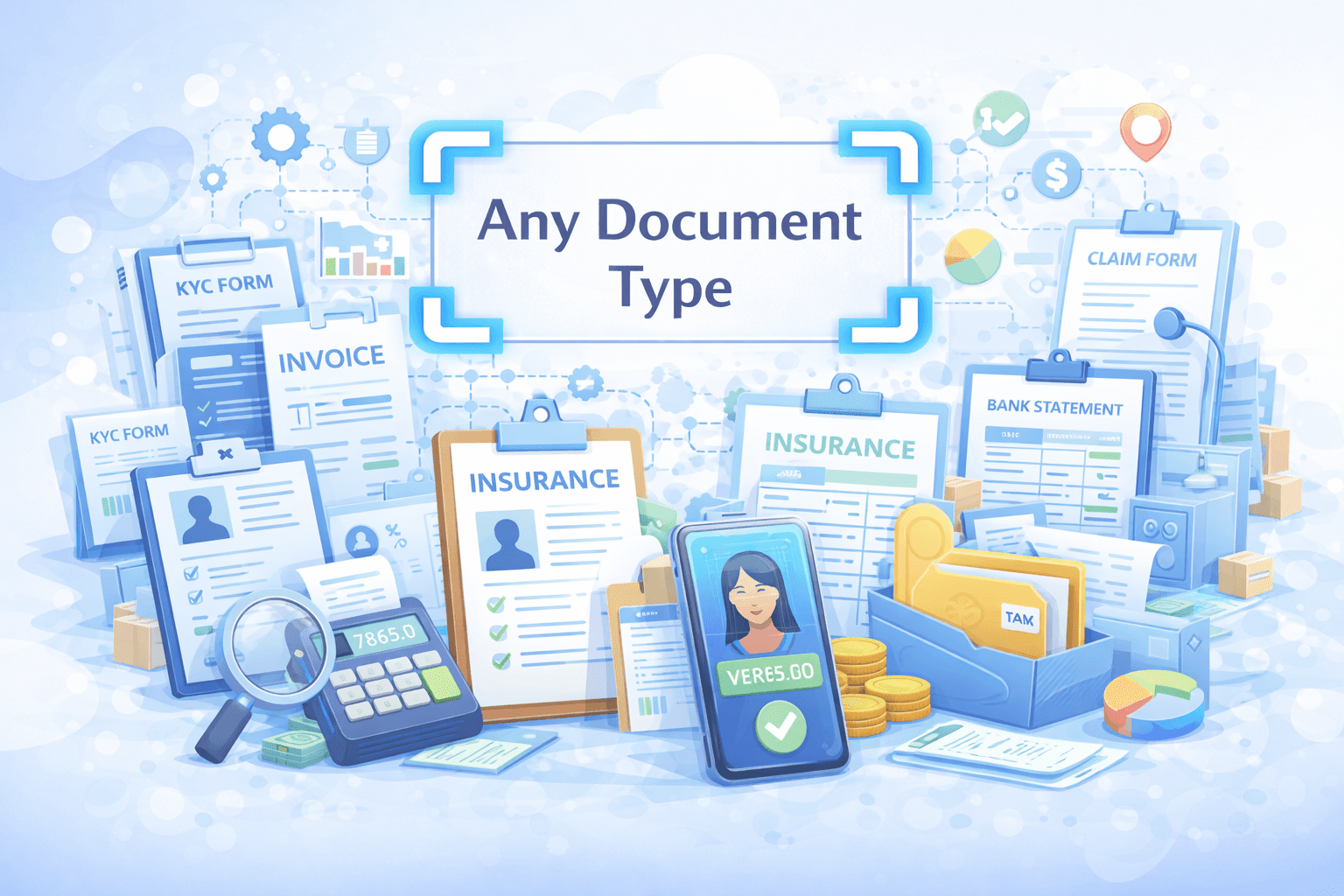
Not every business process fits neatly into “invoices” or “bank statements.” Many organizations rely on specialized documents—unique forms, industry-specific certificates, legacy PDFs, scanned letters, and multi-attachment email packets—that don’t match standard OCR templates.
Enterflow builds extraction and automation workflows for virtually any document type by combining OCR, layout understanding, validation rules, and (when helpful) AI models tuned to your specific data and process requirements.
If it’s a document your team reads and re-types, routes manually, or checks against rules—there is usually a strong automation opportunity.
Examples of “other document types” we handle
Depending on your industry, these often include:
Contracts and legal documents (clauses, key terms, renewals, obligations)
Purchase orders and confirmations
Shipping and customs documents (BOL/AWB, POD, commercial invoices, certificates)
Compliance certificates (ISO, safety, supplier declarations, technical conformity)
HR documents (employment letters, onboarding forms, timesheets)
Applications and forms (registrations, requests, internal approvals)
Medical and insurance supporting documents (where permitted and scoped)
Reports and statements (utility bills, account statements, inspection reports)
Emails + attachments as a case file (triage, categorization, extraction across a packet)
If your document type isn’t listed, that is usually not a blocker—specialization is the point.
What we deliver (beyond raw OCR)
For most custom document types, the goal is not “text,” but structured, reliable output:
Document classification (what is this?)
Key fields (who, what, when, how much, reference IDs)
Tables and line items (normalized schemas)
Validation outcomes (pass/fail/review with reason codes)
Optional traceability (page/region evidence for audit and review)
This supports downstream automation without sacrificing control.
How we make “any document” work in production
1) Define the target schema and success criteria
We align on:
the exact fields you need (and acceptable formats)
what “correct” means (edge cases, tolerances, mandatory vs optional)
which errors are acceptable vs must-trigger review
2) Build an extraction strategy appropriate to the document
We select the approach per field and per layout:
classic OCR + layout parsing for predictable structure
table detection and normalization for tabular sections
AI-assisted extraction for semi-structured or label-variant fields
rules and dictionaries where determinism matters (IDs, dates, codes)
3) Validate using your business rules
We implement checks that mirror real operations, for example:
totals reconciliation and cross-field consistency
identifier format checks (tax IDs, policy numbers, project codes)
date logic (expiry must be future, period start < end)
completeness requirements (mandatory attachments or signatures)
mismatch detection against your system-of-record (optional integration)
4) Exception handling and human review
For ambiguous cases, the system should not guess. We support:
confidence thresholds per field
“review required” routing with reason codes
optional review UI patterns (human-in-the-loop)
continuous improvement loops from reviewed outcomes
Key data we track (so it’s measurable)
For new or niche document types, we focus on metrics that quickly prove value:
Field-level accuracy for critical fields
Automation rate (straight-through vs review)
Exception rate and root causes (why cases fail)
Latency and throughput (performance under load)
Cost per document vs manual processing
Change resilience (how often templates drift and how quickly we adapt)
Security and deployment options
Many “other document types” contain sensitive information. We support:
private cloud deployments (AWS, Azure, or GCP)
private networking, encryption, IAM/RBAC, audit logs
configurable retention and deletion policies
data minimization and role-based access
The fastest way to start
If you want to automate a new document type, the quickest path is:
the list of fields you need and where they should go (system targets)
the rules you currently apply manually (the “review checklist”)
We then propose a schema, extraction plan, validation logic, and a pilot rollout.
Contact: info@enterflow.ai
Website: https://enterflow.ai/
Any Other Document Type
Not every business process fits neatly into “invoices” or “bank statements.” Many organizations rely on specialized documents—unique forms, industry-specific certificates, legacy PDFs, scanned letters, and multi-attachment email packets—that don’t match standard OCR templates.
Enterflow builds extraction and automation workflows for virtually any document type by combining OCR, layout understanding, validation rules, and (when helpful) AI models tuned to your specific data and process requirements.
If it’s a document your team reads and re-types, routes manually, or checks against rules—there is usually a strong automation opportunity.
Examples of “other document types” we handle
Depending on your industry, these often include:
Contracts and legal documents (clauses, key terms, renewals, obligations)
Purchase orders and confirmations
Shipping and customs documents (BOL/AWB, POD, commercial invoices, certificates)
Compliance certificates (ISO, safety, supplier declarations, technical conformity)
HR documents (employment letters, onboarding forms, timesheets)
Applications and forms (registrations, requests, internal approvals)
Medical and insurance supporting documents (where permitted and scoped)
Reports and statements (utility bills, account statements, inspection reports)
Emails + attachments as a case file (triage, categorization, extraction across a packet)
If your document type isn’t listed, that is usually not a blocker—specialization is the point.
What we deliver (beyond raw OCR)
For most custom document types, the goal is not “text,” but structured, reliable output:
Document classification (what is this?)
Key fields (who, what, when, how much, reference IDs)
Tables and line items (normalized schemas)
Validation outcomes (pass/fail/review with reason codes)
Optional traceability (page/region evidence for audit and review)
This supports downstream automation without sacrificing control.
How we make “any document” work in production
1) Define the target schema and success criteria
We align on:
the exact fields you need (and acceptable formats)
what “correct” means (edge cases, tolerances, mandatory vs optional)
which errors are acceptable vs must-trigger review
2) Build an extraction strategy appropriate to the document
We select the approach per field and per layout:
classic OCR + layout parsing for predictable structure
table detection and normalization for tabular sections
AI-assisted extraction for semi-structured or label-variant fields
rules and dictionaries where determinism matters (IDs, dates, codes)
3) Validate using your business rules
We implement checks that mirror real operations, for example:
totals reconciliation and cross-field consistency
identifier format checks (tax IDs, policy numbers, project codes)
date logic (expiry must be future, period start < end)
completeness requirements (mandatory attachments or signatures)
mismatch detection against your system-of-record (optional integration)
4) Exception handling and human review
For ambiguous cases, the system should not guess. We support:
confidence thresholds per field
“review required” routing with reason codes
optional review UI patterns (human-in-the-loop)
continuous improvement loops from reviewed outcomes
Key data we track (so it’s measurable)
For new or niche document types, we focus on metrics that quickly prove value:
Field-level accuracy for critical fields
Automation rate (straight-through vs review)
Exception rate and root causes (why cases fail)
Latency and throughput (performance under load)
Cost per document vs manual processing
Change resilience (how often templates drift and how quickly we adapt)
Security and deployment options
Many “other document types” contain sensitive information. We support:
private cloud deployments (AWS, Azure, or GCP)
private networking, encryption, IAM/RBAC, audit logs
configurable retention and deletion policies
data minimization and role-based access
The fastest way to start
If you want to automate a new document type, the quickest path is:
the list of fields you need and where they should go (system targets)
the rules you currently apply manually (the “review checklist”)
We then propose a schema, extraction plan, validation logic, and a pilot rollout.
Contact: info@enterflow.ai
Website: https://enterflow.ai/
Contact us
info@enterflow.ai
EnterFlow AI empowers you to unlock your business potential with AI OCR models
Vienna, Austria
Contact us
info@enterflow.ai
EnterFlow AI empowers you to unlock your business potential with AI OCR models
Vienna, Austria
Contact us
info@enterflow.ai
EnterFlow AI empowers you to unlock your business potential with AI OCR models
Vienna, Austria